Freebox Remote
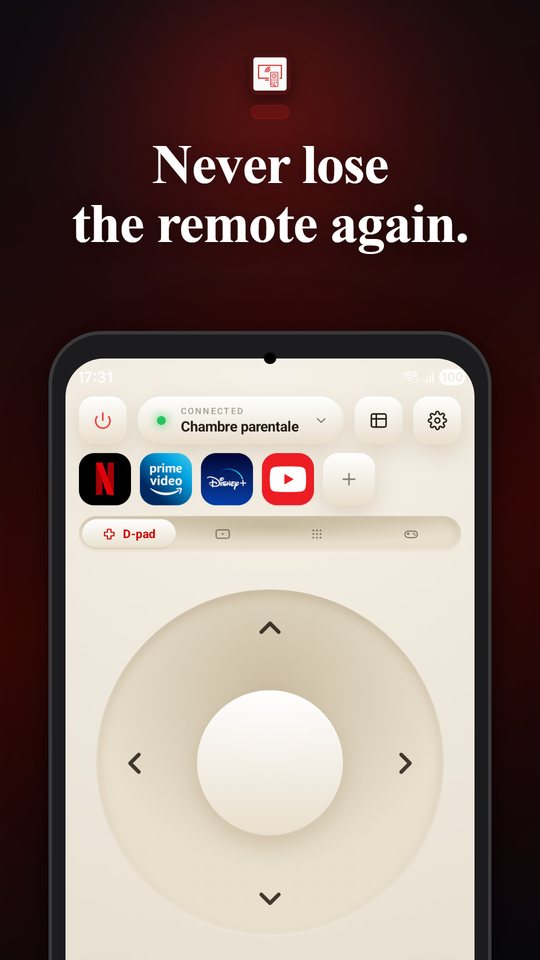
Control your Freebox Player from your phone: zapping, TV guide, apps, widgets.
Features
Every Freebox
Pop, Delta, Revolution, Mini 4K, One, Crystal: several Player generations supported.
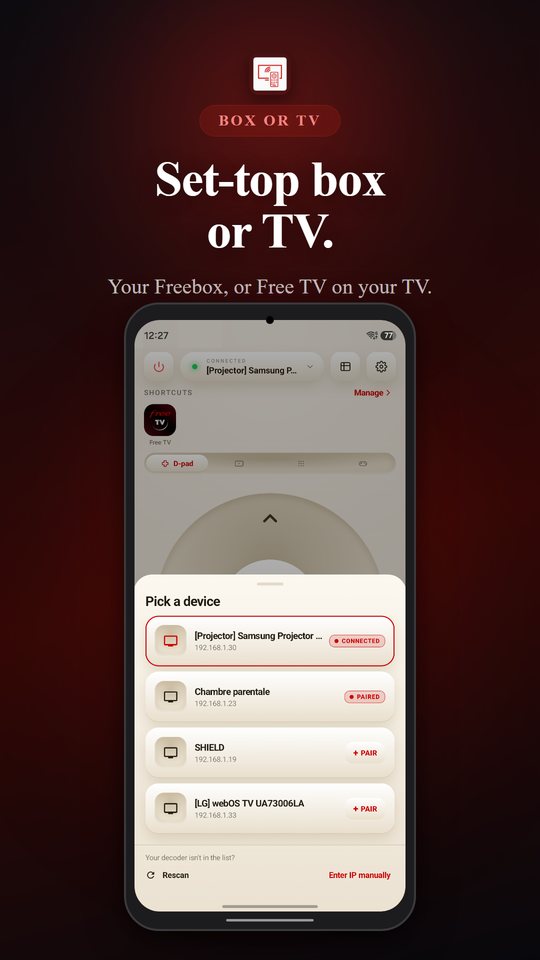
Freebox or TV
Control your Freebox, or the Free TV app on a Samsung or LG TV, a Fire TV or an Android TV device.
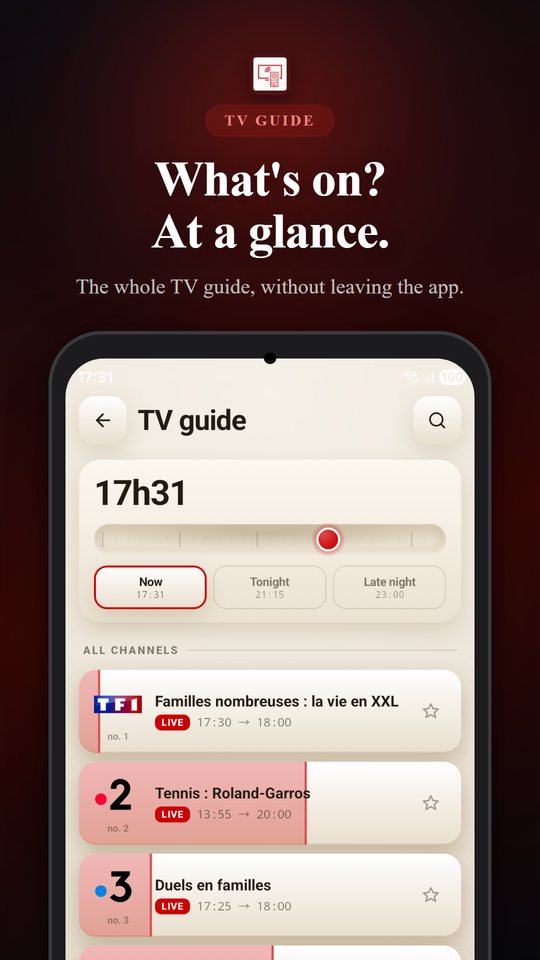
TV guide
What's on now, tonight or later, and zap with a tap.
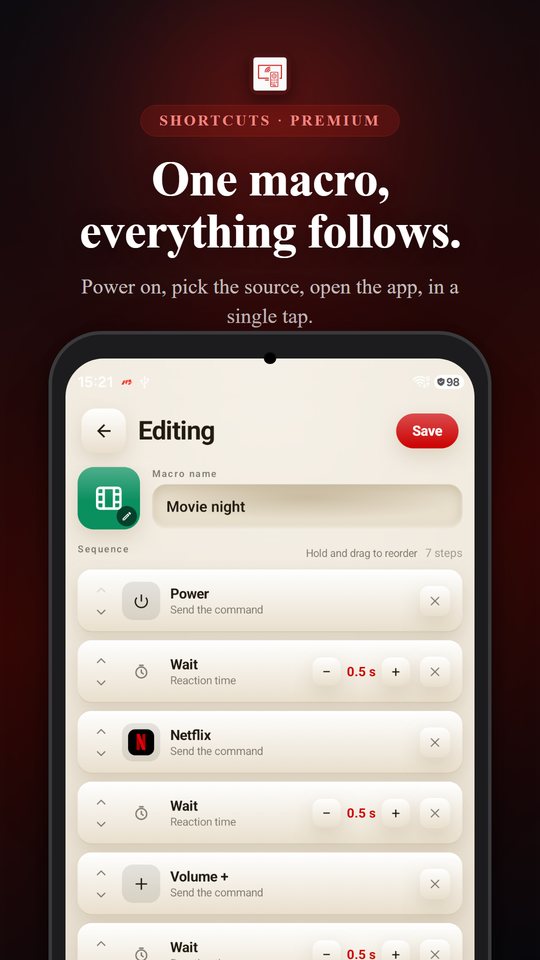
Macros
Chain several commands in a single tap: power on, pick the input, open the app.
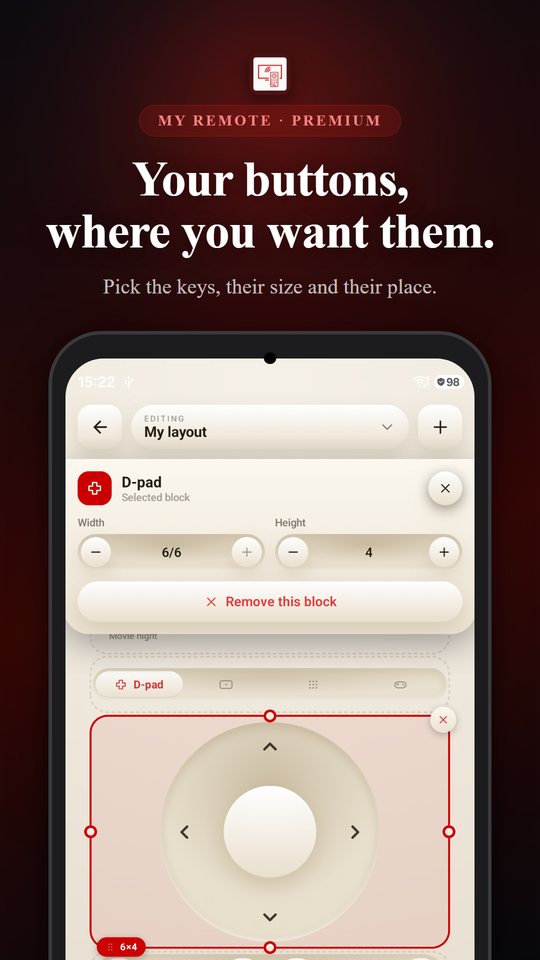
Custom layout
Pick which buttons show up, their size and their place.
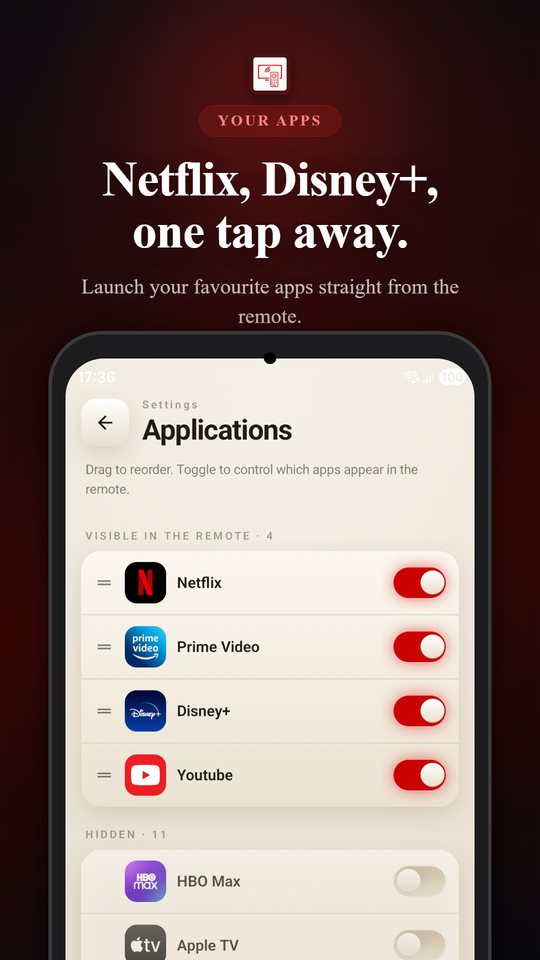
Your apps in one tap
Open Netflix, Disney+, Prime Video or YouTube right from the remote.
Widgets
Control from your phone's home screen without even opening the app.
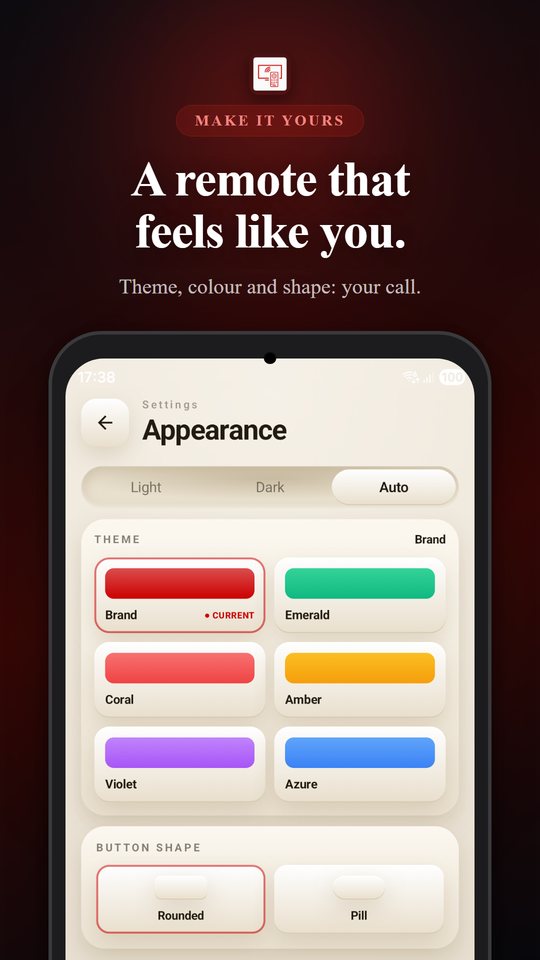
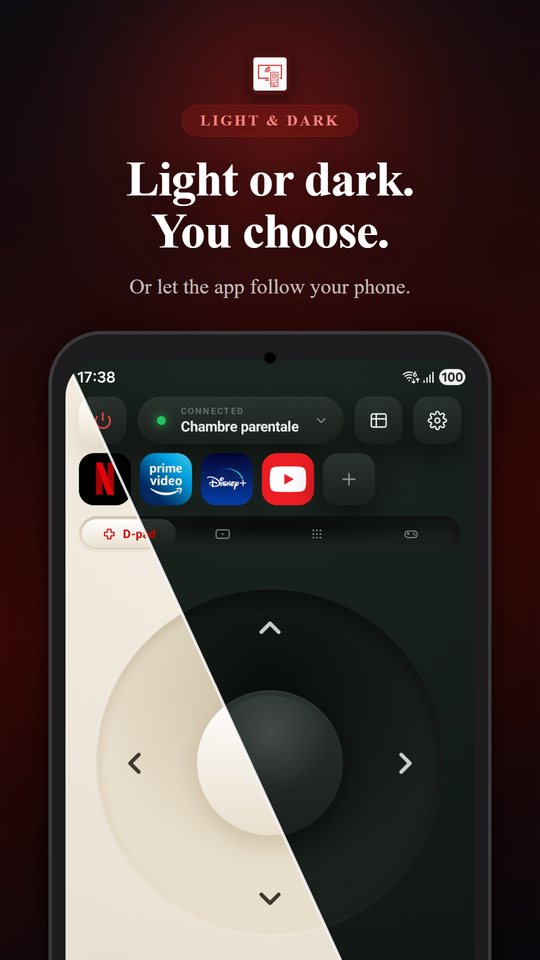
Make it yours
Light or dark theme, accent colour and button shape.
Screens
How it works
The app connects to your Player over Wi-Fi. Your phone and the Player must be on the same network.
Premium
Free, with a Premium option. No ads, unlimited macros and layouts, widgets. Monthly or yearly subscription, or a one-time lifetime purchase.
A question? The help center covers the most common cases.
Open helpIndependent app, not affiliated with Free. "Freebox" is a trademark of its owner, mentioned for compatibility only.