Here is how to connect the app to your Livebox TV decoder.
- Make sure your phone and your decoder are on the same Wi-Fi network (your Livebox network).
- Turn the decoder on.
- On first launch, when asked « How do you watch TV? », pick « With the Orange set-top box », then select your decoder in the list.
- The app reconnects to it by itself on the next launches. To switch device, use the device button at the top of the remote.
You have the Décodeur Home Cinéma, or the Orange TV app on your TV? Pick the matching card on the same question (see « Control the Décodeur Home Cinéma »).
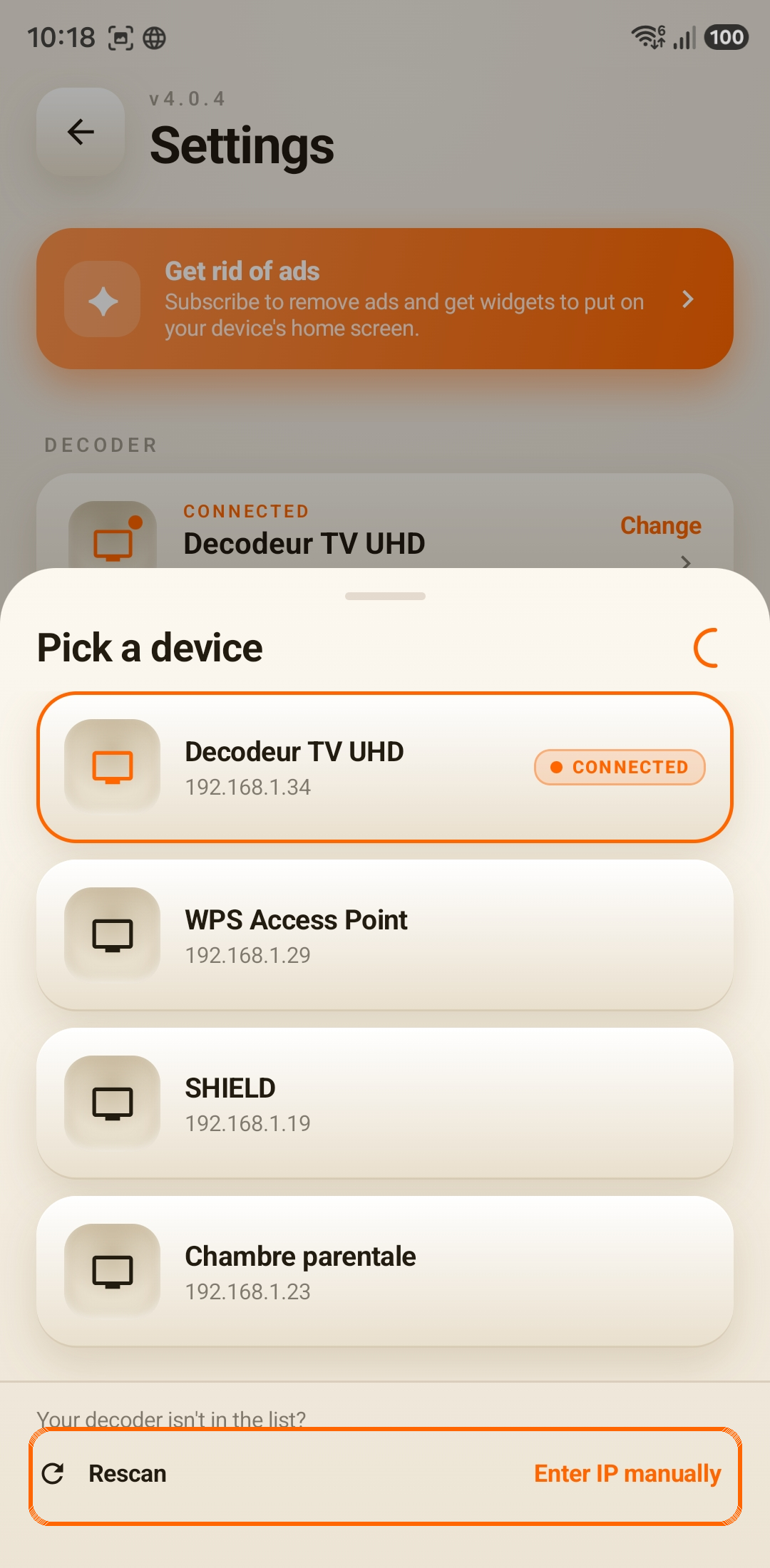
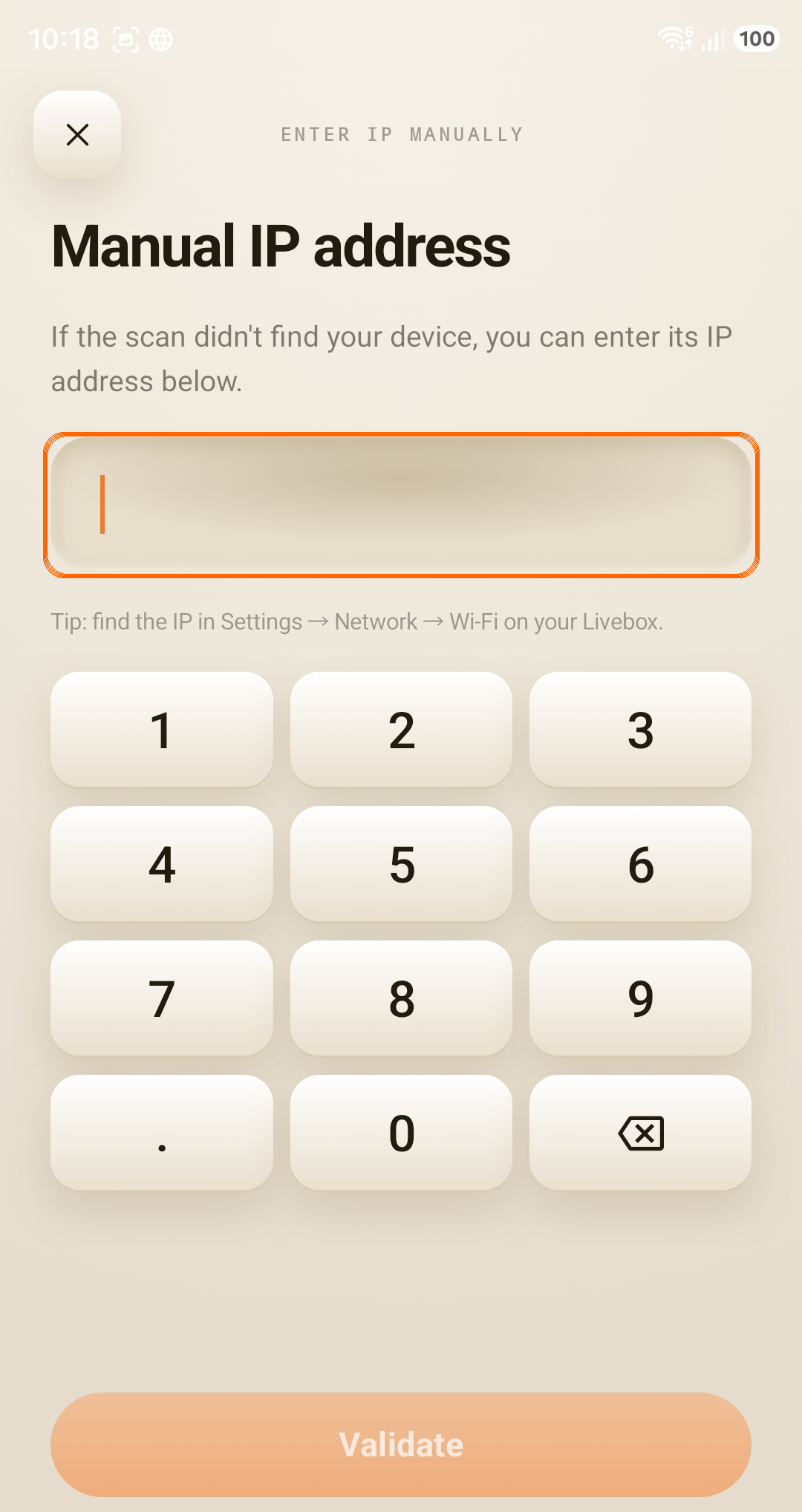
If it isn't found, enter its IP address manually (see « How to find the TV decoder IP address »).